
STRisker Release Notes // April 9, 2026
See what’s new in STRisker: Data Center and advanced location filters, improved Calendar search and transcripts, upgraded Officials & Gov Socials, Location Guides with external links and posters, and Watchlist with dynamic topics.

Welcome to your roundup of the latest features and enhancements inside STRisker!
Here’s what’s new and improved to help you stay ahead of short-term and data center regulation changes.
Photo by Markus Spiske on Unsplash

At A Glance 🔽
- Data center filters added to Signals, News and Updates
- Advanced filtering for U.S. locations
- Calendar search improved with transcripts, copy, and keywords
- Officials and government social media accounts added to Sources
- Location Guides enhanced with external links and map posters
- Home page redesigned
- 153 new locations added 🌍
🏭 Data Center Filtering
Data centers are coming up more and more in policy conversations, and STRisker is keeping up with that. Filtering by data center is now available across both Signals News and Updates!
In Signals News, data center appears as a topic area filter.
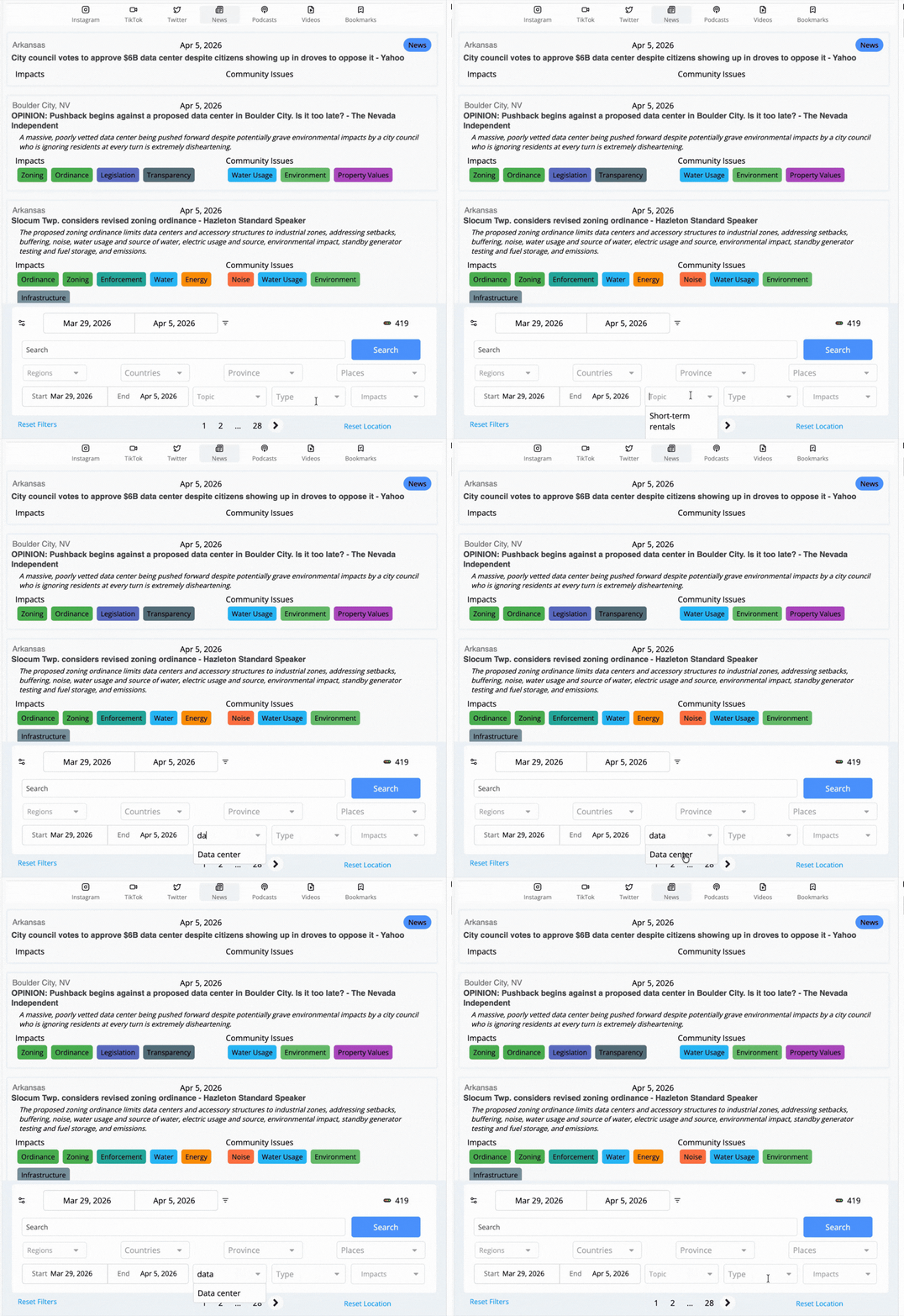
In Updates, it comes in through data center policy areas added to the impacts filter.

🔎 Advanced Location Filters (Major Update!)
Want to narrow things down by community profile? Recent changes in Calendar and Updates added support for advanced location filters across U.S. locations covering population, median age, housing vacancy rate, housing units, and household income.
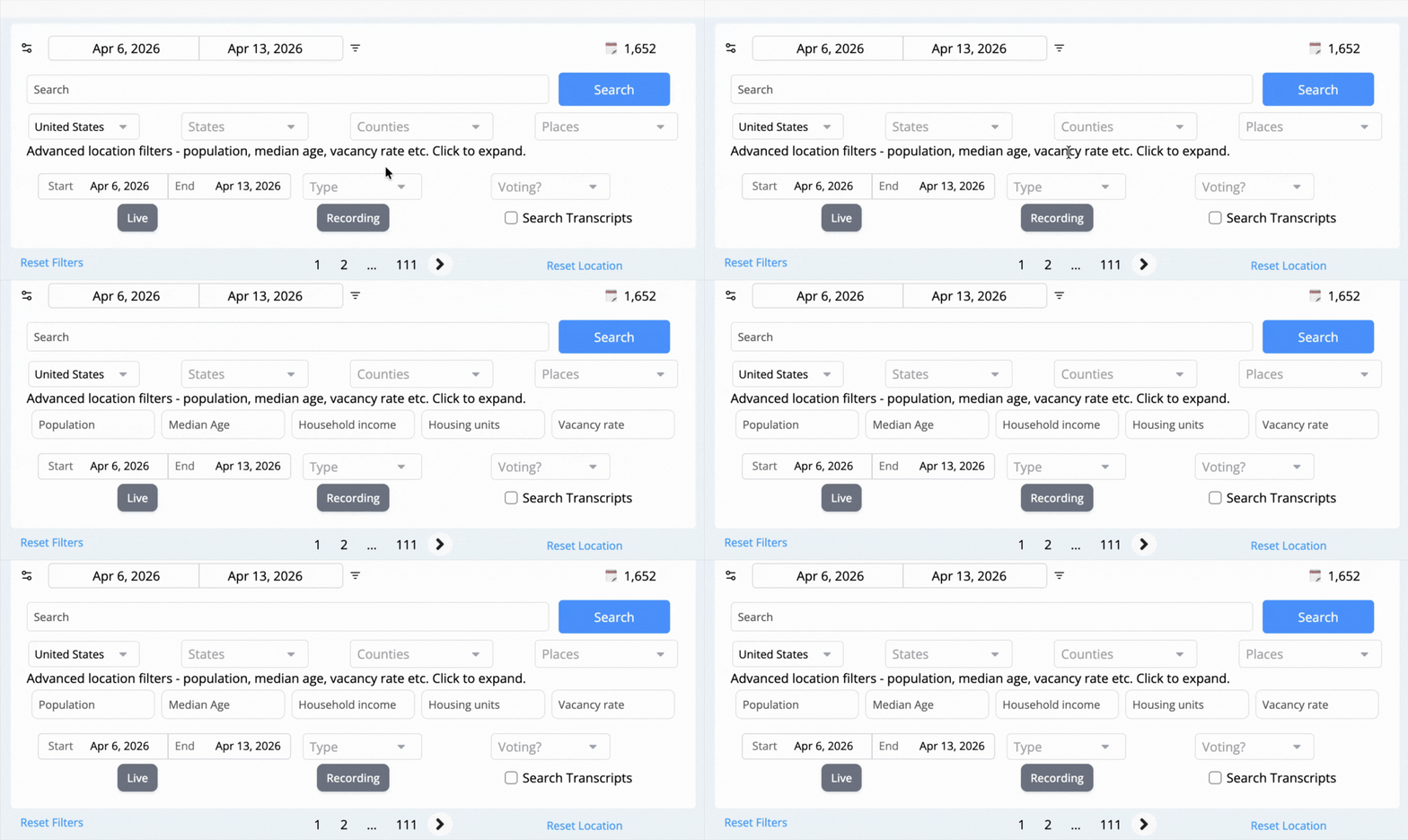
The demographic data behind these filters has also been upgraded from ACS 2023 to ACS 2024 so the numbers are fresher and more accurate.
🗓️ More to Find in Calendar
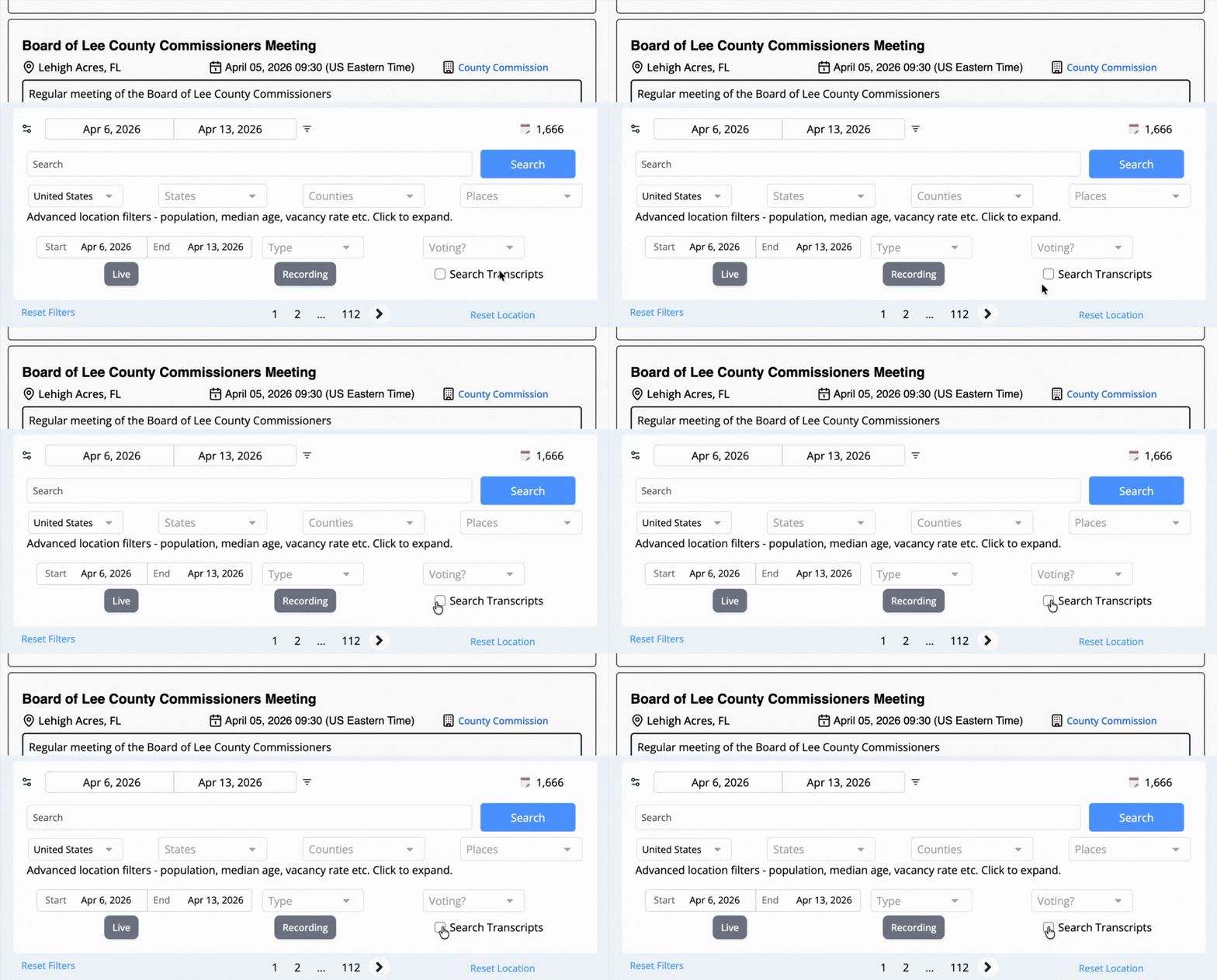
Delving more into Calendar, search goes deeper with new Search Transcripts checkbox that pulls recording transcripts into your keyword searches.
On top of that, text from documents and recording transcripts can be copied directly within the app. No more manual transcription from the viewer.
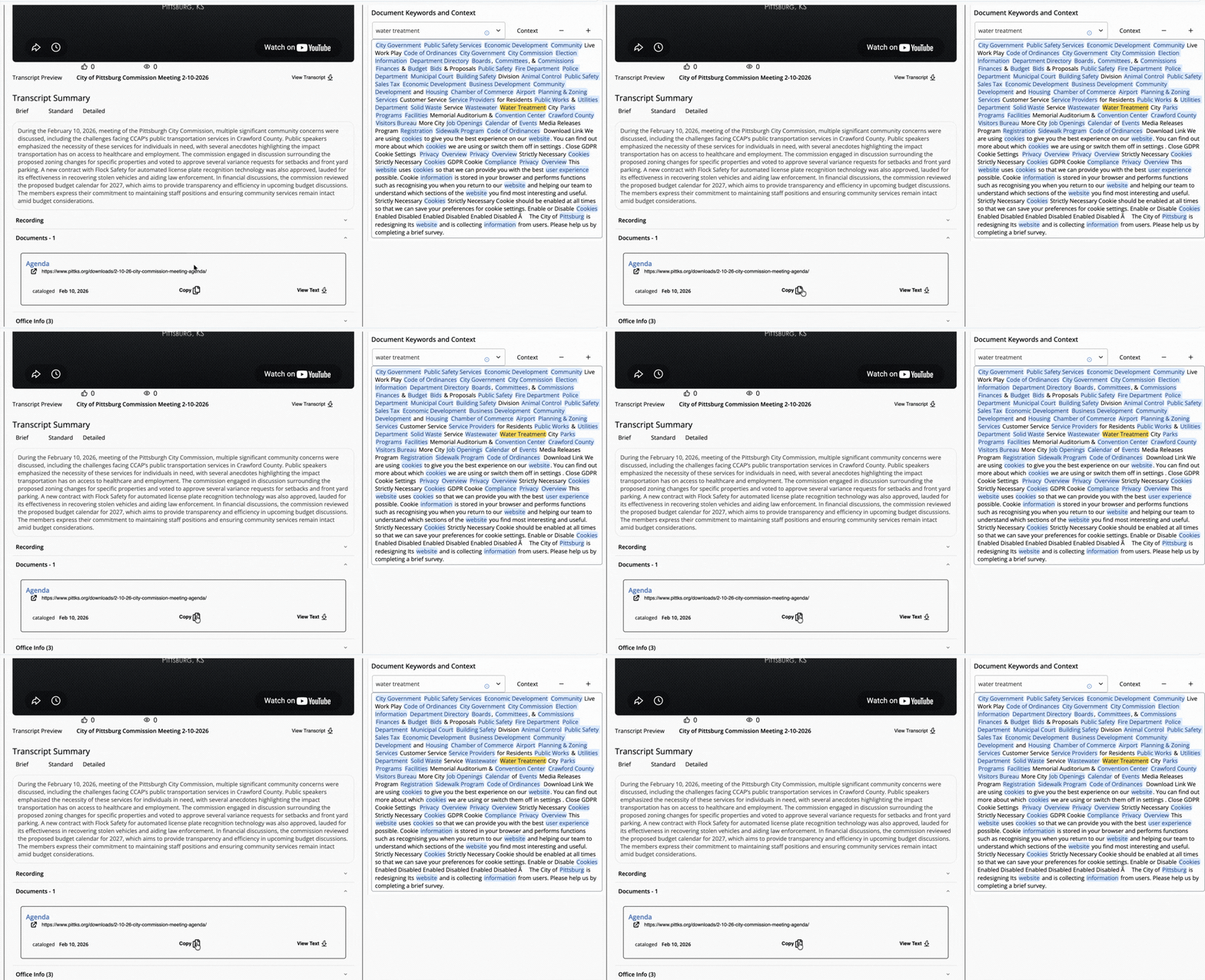
Confirmed keywords on recordings take it a step further, surfacing the right content much faster.
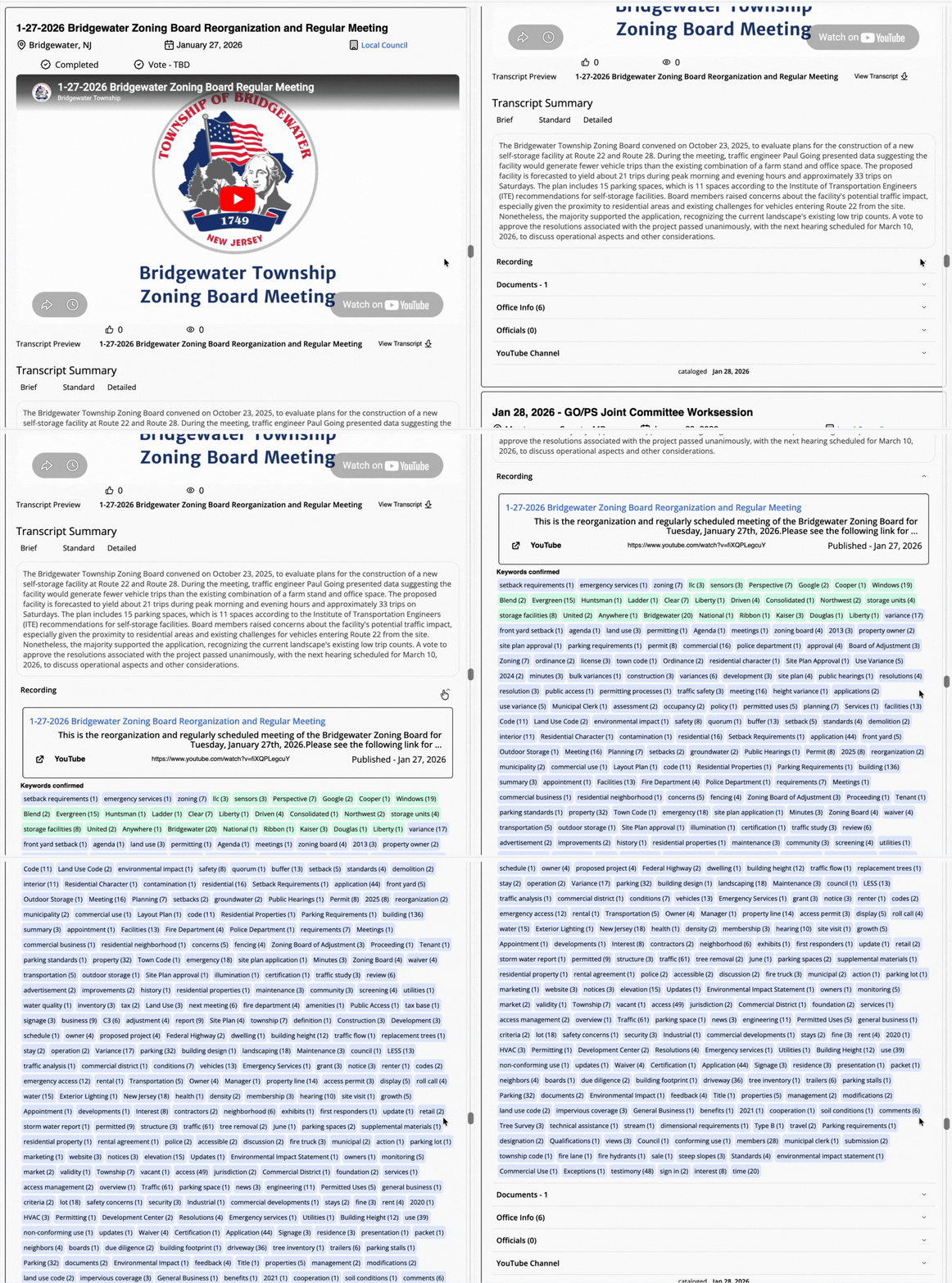
Recordings are already included in Location Resource Guide calendars from a prior update.
📍 Expanded Sources Data & Filter
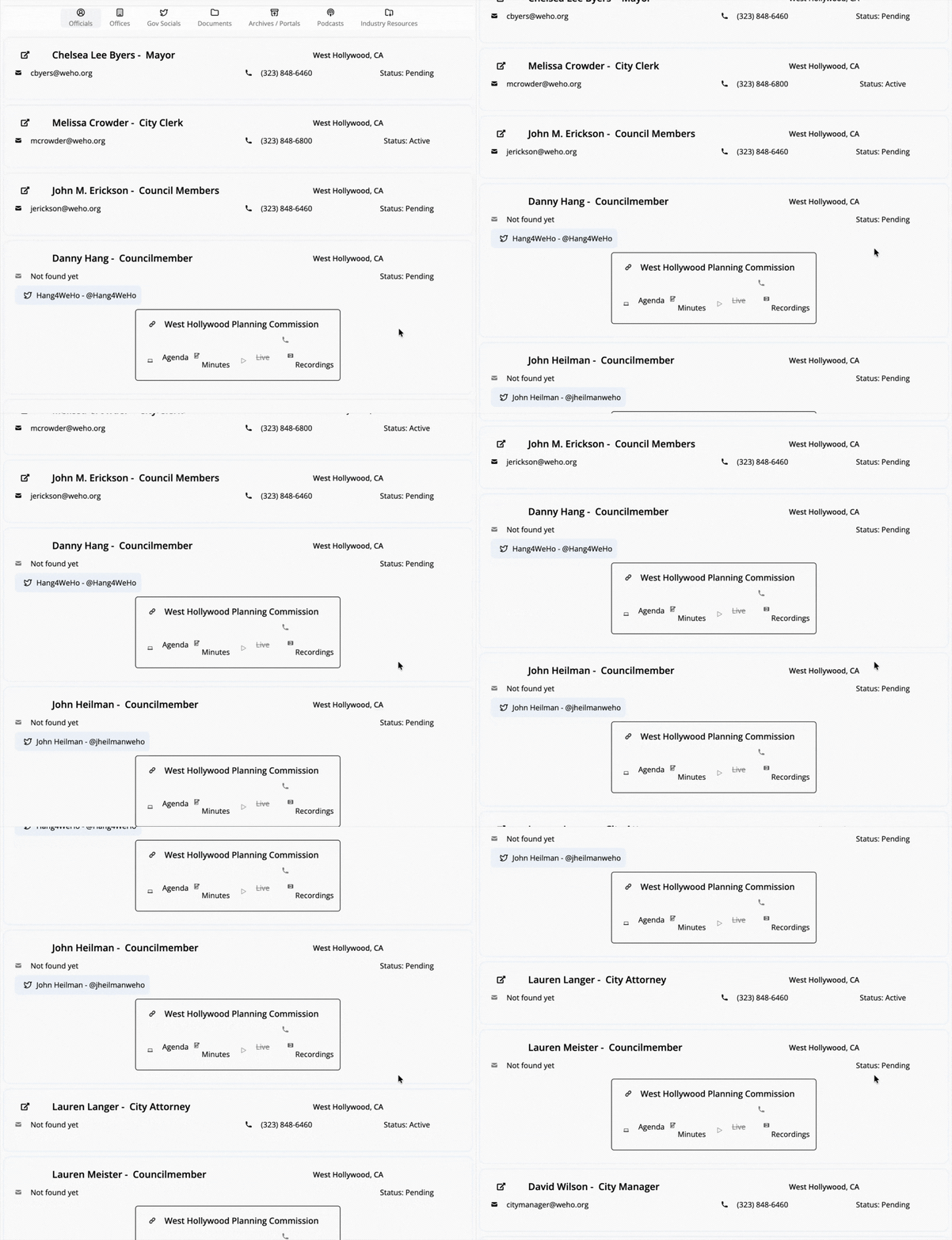
Sources also got some upgrades! Officials now including display of available social media accounts.
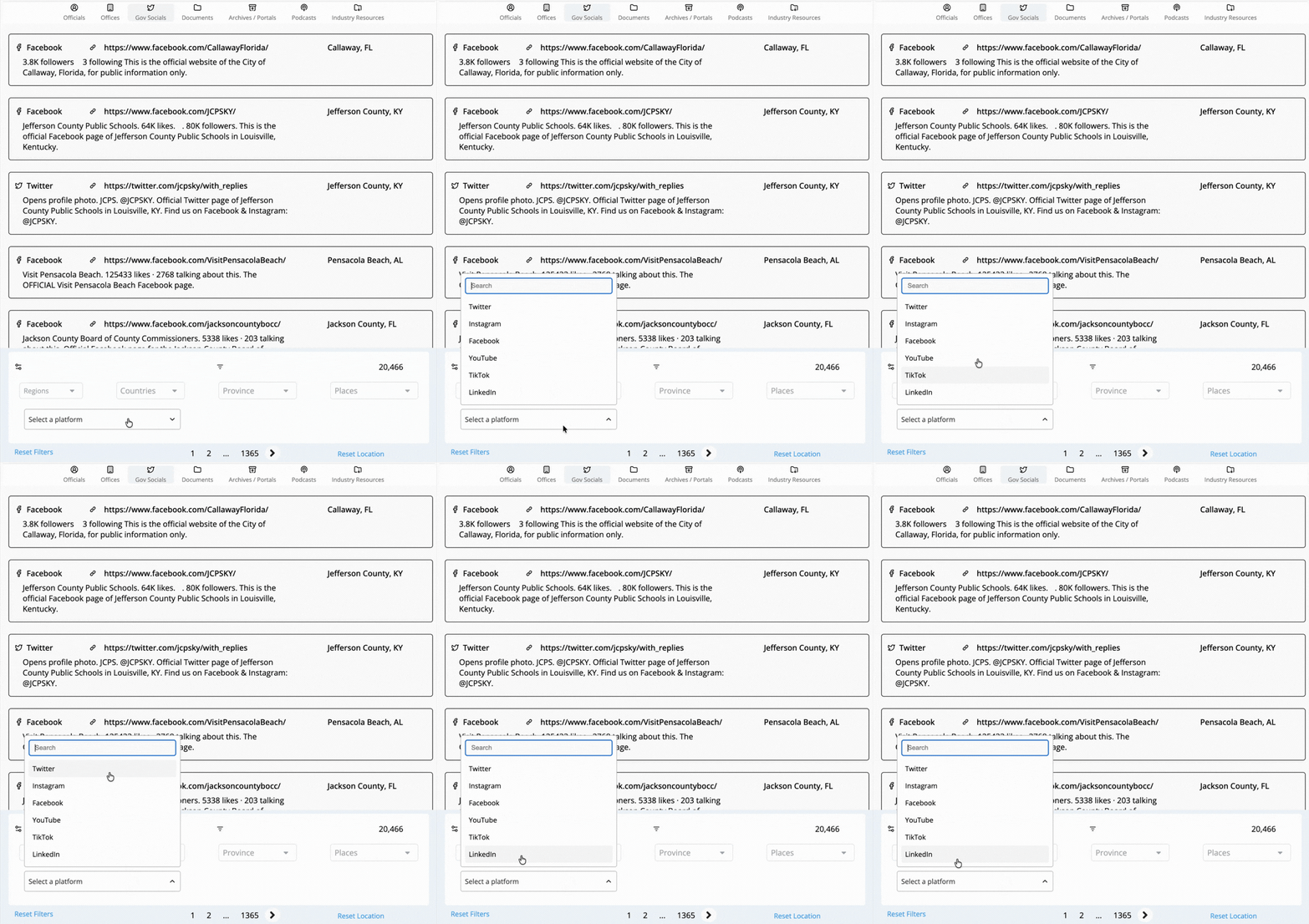
On the Gov Socials side, platform icons have been added to entries alongside a platform filter spanning Twitter, TikTok, Instagram, Facebook, YouTube, and LinkedIn.
🗺️ Location Guides: Better References, Better Layout
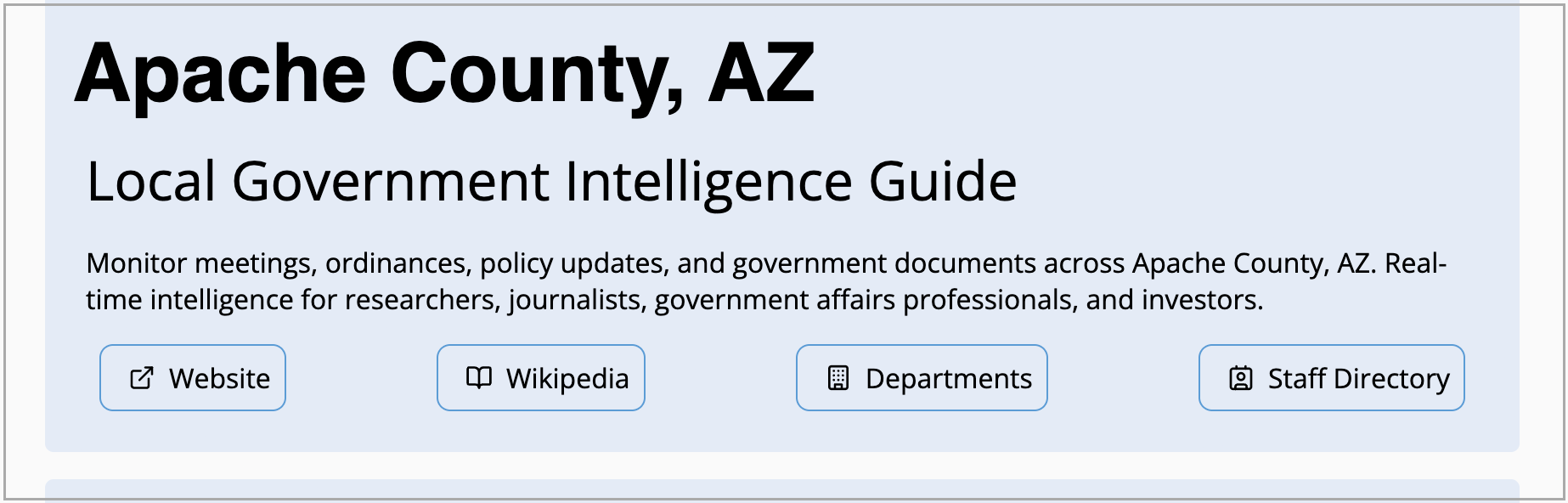
Header in Location Guides got richer with the addition of external resources including website, Wikipedia, department and directory links.
Location Posters have also made their way into selected Location Resource Guides with a wider rollout on the way. 🛣️
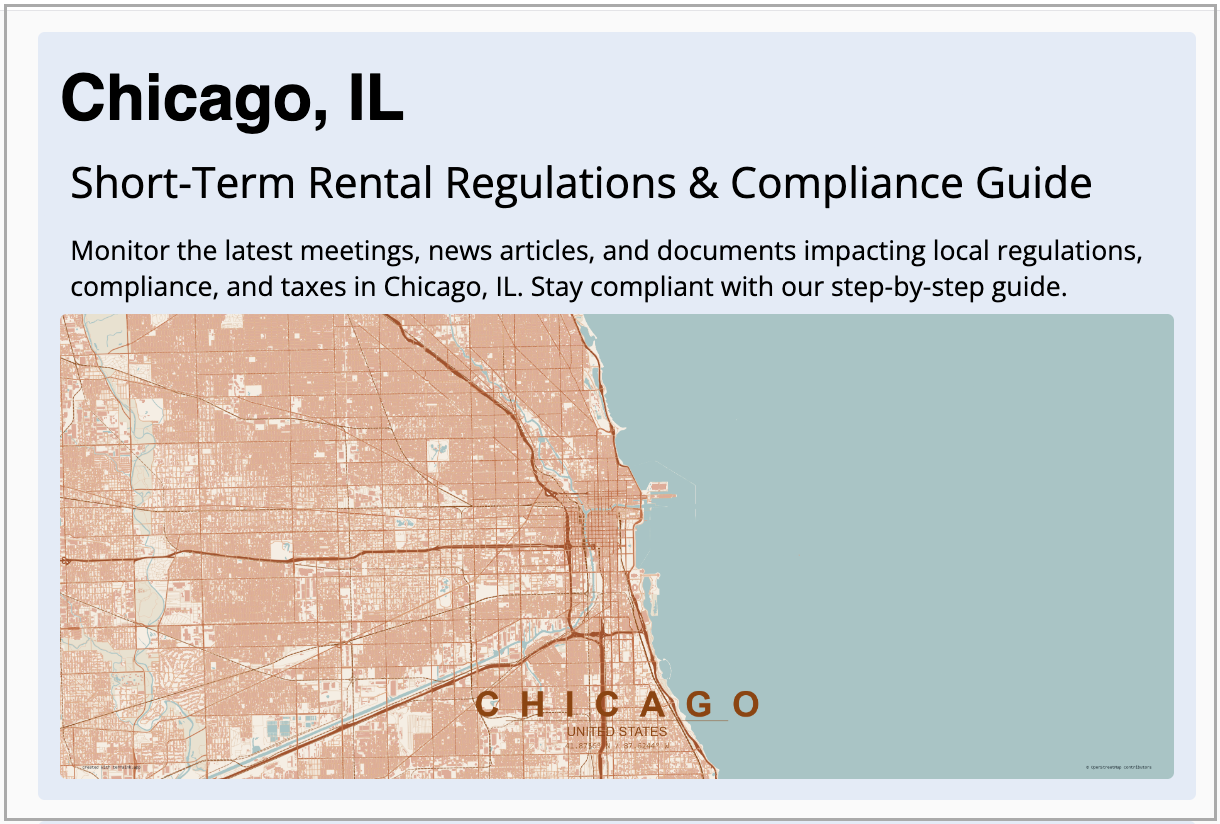
🏠 Scan Faster, Navigate Cleaner in Streamlined Home
We've tightened up the home page layout for a cleaner and polished look. The updated design reduces clutter, improves scannability, and creates a smoother, more intuitive experience right from the moment you land on the platform.
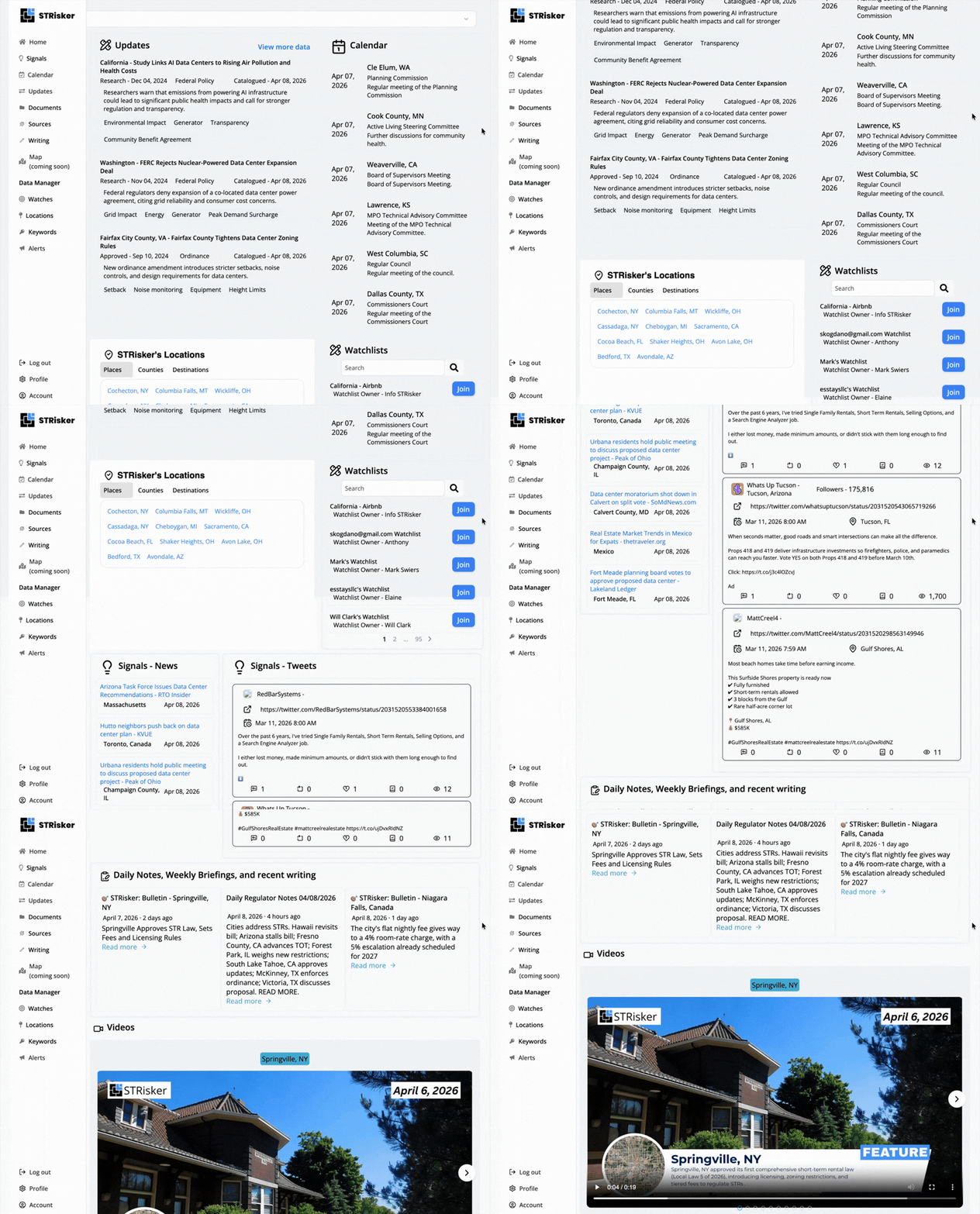
Writing tags has also been added between the title/date and the description.
Here's what else landed in this release
Alongside these new features, we've been making improvements across the platform:
- 📏 Calendar and Documents got width adjustment support for the main feed and display panels so you can set the layout that works best for you.
- 💰 The pricing page reflects a full refresh: monthly/yearly toggle, updated account pricing, a comparison table, and new Discounts and Add-Ons sections.
- ✍️ A new Writing page has also been introduced (currently in testing) with layout improvements for reading articles and support for search, filters, and pagination.
- 🎨 Several UI improvements were made such as reduced mobile padding, tighter spacing, refreshed calendar card styling, a better nearby locations layout, and updated FAQs across Home, Pricing, and Location Guides.
- 🌍 Geographic coverage continues to grow, with 153 new locations added across several recent updates.
Catch up on previous release notes:
 Jasmine Ruth Albatana
 Dane Artisola
 Dane Artisola
Want to see it all? Full changelog here.
Stay Updated with STRisker!
STRisker offers tools and features to keep you updated with the Short Term Rental movement (and now Data Centers!) movement across the world.
📣 We’d Love Your Feedback
Tried one of the new features? Something not working like expected?
Reply to this update or drop me a note - will@strisker.com. We're listening.